AI Estimating Software for Texas Contractors: Faster Bids From Photos, Plans, and Field Notes
Texas contractors can use AI estimating software to turn photos, plans, videos, and field notes into cleaner bids while keeping control of the final price.

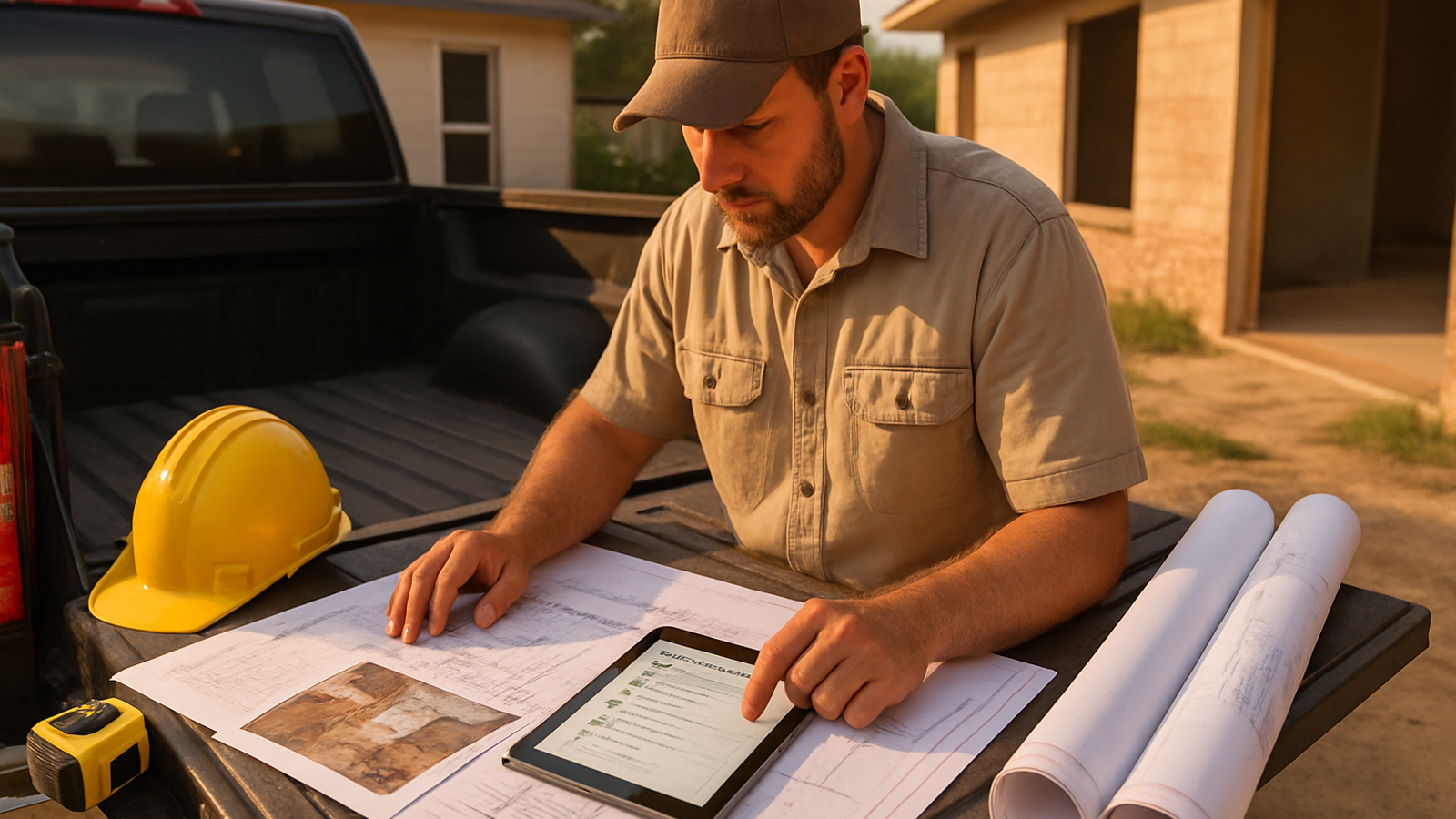
Texas contractors do not lose jobs only because their price is wrong. They lose them because the lead sat too long, the scope was fuzzy, or the proposal did not explain what was included. AI estimating software for Texas contractors should help turn job photos, blueprints, videos, and voice notes into a cleaner estimate workflow while keeping the contractor in control of the final number.
For a Houston remodeler, a Dallas-Fort Worth GC, an Austin service contractor, or a San Antonio trade business, the point is not to let software guess blindly. The point is to move from scattered job information to a reviewed, professional bid faster.
The short answer for Texas contractors
AI estimating software is useful when it helps you organize the job before you price it. A good workflow should capture the existing conditions, identify missing measurements, separate included and excluded scope, build a material and labor checklist, and produce a proposal that a customer can understand.
In Texas, that matters because contractors often work across very different job types in the same week: storm repairs on the Gulf Coast, tenant improvements in Houston, remodels in fast-growing suburbs, insurance-related repair work after hail, and small commercial service jobs where speed matters. If all of that information lives in texts, photos, PDFs, and voice memos, the estimate becomes harder to control.
Why estimating is different in Texas
Texas is not one uniform estimating market. Houston contractors deal with humidity, heavy rain, hurricane-season repair work, drainage issues, and a large mix of residential, multifamily, retail, and light commercial jobs. North Texas contractors often see hail-related roofing, exterior, drywall, paint, and interior repair scopes. Central Texas contractors may spend more time on remodels, additions, finish upgrades, and fast-turn service work in high-growth neighborhoods.
That mix affects estimating in practical ways:
- Weather exposure changes scope. Exterior repairs, moisture checks, sheathing, flashing, drainage, sealants, and finish protection need careful notes.
- Soil and foundation movement can create hidden work. Doors, trim, drywall cracks, tile, framing, and exterior finishes may be symptoms of movement, not isolated repairs.
- Permitting can be local. Texas contractors need to check the city, county, floodplain, HOA, utility, and trade-specific requirements that apply to the job instead of assuming one statewide rule covers everything.
- Travel and scheduling matter. A crew working across Houston, DFW, Austin, or San Antonio can lose margin if drive time, parking, staging, material runs, and inspection timing are left out.
- Insurance and storm work need clear documentation. Photos, notes, exclusions, and alternates help protect the contractor when the customer, adjuster, or property manager asks what was included.
None of this means an estimate has to be slow. It means the estimate has to be structured.
A practical AI-assisted estimating workflow
Use AI as a junior estimator, not as the final decision maker. The contractor still reviews, adjusts, and approves before anything goes to the customer.
1. Capture the job in one place
Start by gathering the inputs that usually get scattered:
- Jobsite photos and short videos
- Blueprint sheets or PDF plans
- Voice notes from the walkthrough
- Customer texts or emails
- Measurements, quantities, and known constraints
- Permit, access, or schedule notes
For example, a Houston GC looking at a storm-related interior repair might upload photos of wet drywall, a video of ceiling damage, and a voice note saying, “Remove affected drywall in the living room, inspect insulation, patch, texture, prime, paint to nearest break, protect flooring, and verify no electrical damage.”
2. Turn observations into scope
Before pricing, define the work. A useful estimate separates observation from assumption. The software should help identify items such as demolition, disposal, protection, moisture investigation, drywall, texture, primer, paint, trim touch-up, equipment, and cleanup.
It should also flag unknowns: Is insulation wet? Is there mold protocol? Is electrical work affected? Does the customer expect paint only at the patch or wall-to-wall? Is ceiling texture matched or replaced? These questions protect the bid.
3. Build quantities and line items
Once the scope is clear, turn it into quantities. On plan-driven work, that may mean areas, counts, lengths, assemblies, and alternates. On photo-driven remodel work, it may mean room-by-room line items, rough measurements, and clarifying questions for anything the software cannot confidently measure.
Good estimating software should not invent a dimension just to look complete. If a measurement is missing, it should ask for it or mark it for contractor review.
4. Review labor, margin, and exclusions
Labor is where local reality shows up. A Texas contractor should review crew production, drive time, staging, weather delays, inspection timing, material availability, and subcontractor coordination. The final estimate should also state exclusions clearly: hidden damage, code upgrades not visible at walkthrough, permit fees if unknown, engineering, mold remediation, or work outside the described area.
5. Send a professional proposal and follow up
A clean bid is easier to approve. The proposal should tell the customer what is included, what is not included, what assumptions were used, what alternates are available, and what the next step is. After sending, contractors should follow up with the same discipline they used to build the estimate.
Common mistakes that cost Texas contractors margin
- Pricing before defining scope. Fast numbers are dangerous when the job has hidden moisture, storm damage, access issues, or unclear finish expectations.
- Leaving travel and staging out. Large metro areas can turn a “small job” into a half-day scheduling problem.
- Assuming local rules are the same everywhere. Houston, Harris County, coastal areas, suburbs, and commercial properties can all have different requirements.
- Not separating base scope from alternates. Customers understand options better when the base bid and add-ons are clearly labeled.
- Using photos without notes. Photos help, but a voice note explaining what the customer wants can prevent the wrong scope from being estimated.
- Sending a one-line price. A bare number makes it easier for a customer to compare only price instead of scope, quality, timing, and professionalism.
How Estimado AI helps
Estimado AI is built for contractors who want estimates to move faster without handing control to a black box. The workflow is designed to take blueprints, photos, videos, and voice notes and help turn them into structured scope, quantities, labor review items, and a customer-ready estimate the contractor can check before sending.
The contractor remains the senior estimator. Estimado is the junior estimator at your right hand: organizing inputs, asking for missing information, helping structure the bid, and reducing the office bottleneck that slows down follow-up.
For Texas contractors who want cleaner estimates from job photos, plans, videos, and field notes, join the Estimado AI waitlist and follow the buildout.
Next step
If your estimating process depends on screenshots, text threads, memory, and late-night paperwork, start by tightening the workflow: collect the inputs, define the scope, flag unknowns, review labor, and send a clear proposal. The software should speed that process up, not remove your judgment from it.
FAQ
Is AI estimating software accurate enough for Texas contractors?
It can be useful when it supports contractor review instead of replacing it. The software should organize scope, quantities, assumptions, and missing information, but the contractor should still approve the labor, margin, exclusions, and final price.
Can AI estimate from job photos?
AI can help interpret job photos and videos, but it should not guess measurements it cannot see. The safest workflow is photo plus notes plus contractor review, with clarifying questions when dimensions or conditions are uncertain.
Does Texas require a general contractor license?
Texas rules can depend on the trade and local jurisdiction. Contractors should verify city, county, trade license, permit, insurance, windstorm, floodplain, and commercial property requirements before bidding or starting work.
What should a Texas contractor include in a professional estimate?
Include the scope of work, quantities or allowances, materials, labor assumptions, exclusions, alternates, schedule notes, payment terms, permit assumptions, and a clear acceptance step.