AI Estimating Software for Louisiana Contractors: Faster Bids for Gulf Coast Work
Louisiana contractors can use AI estimating software to turn photos, plans, videos, and voice notes into cleaner bids while keeping final control of scope, labor, and price.

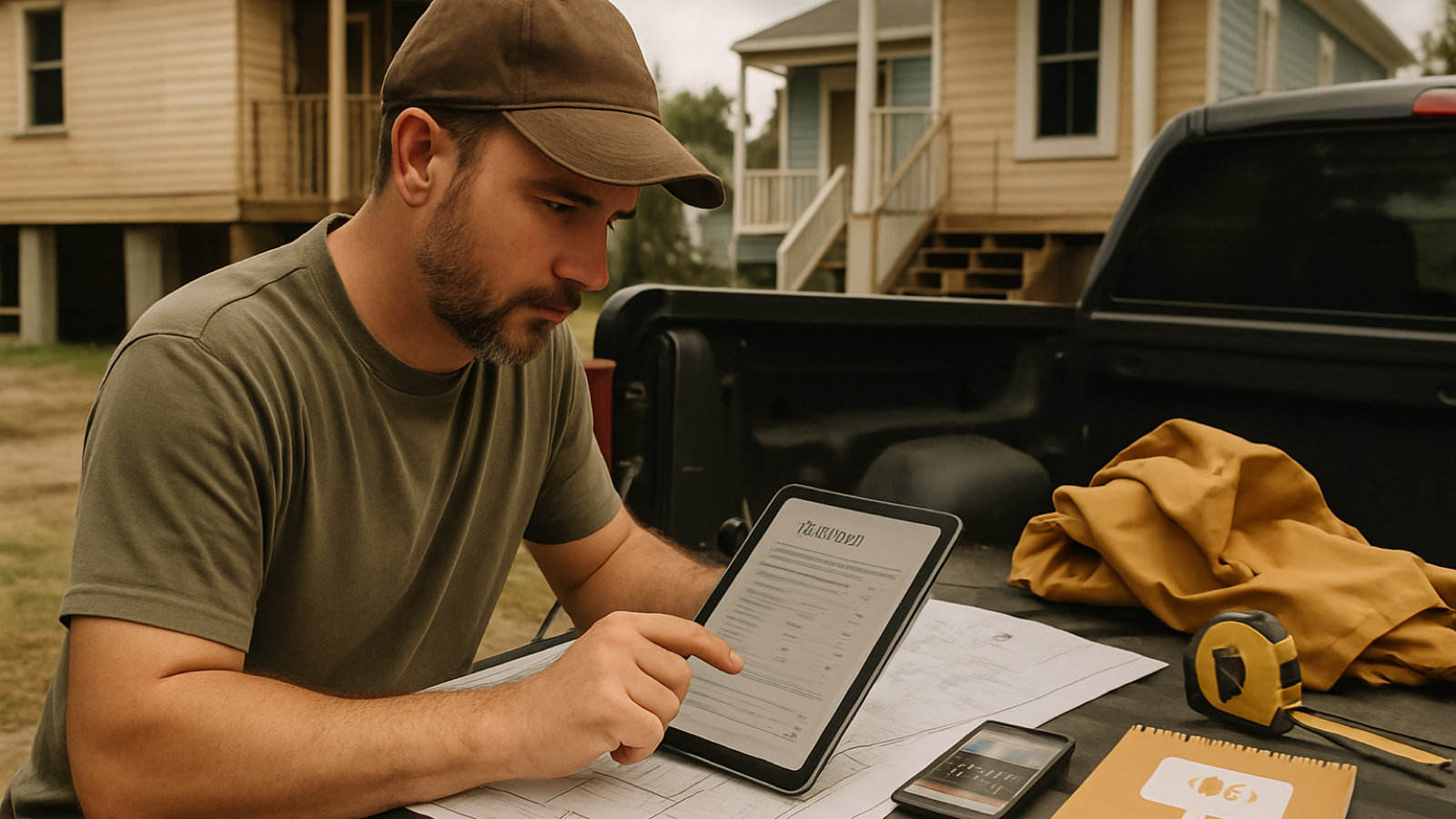
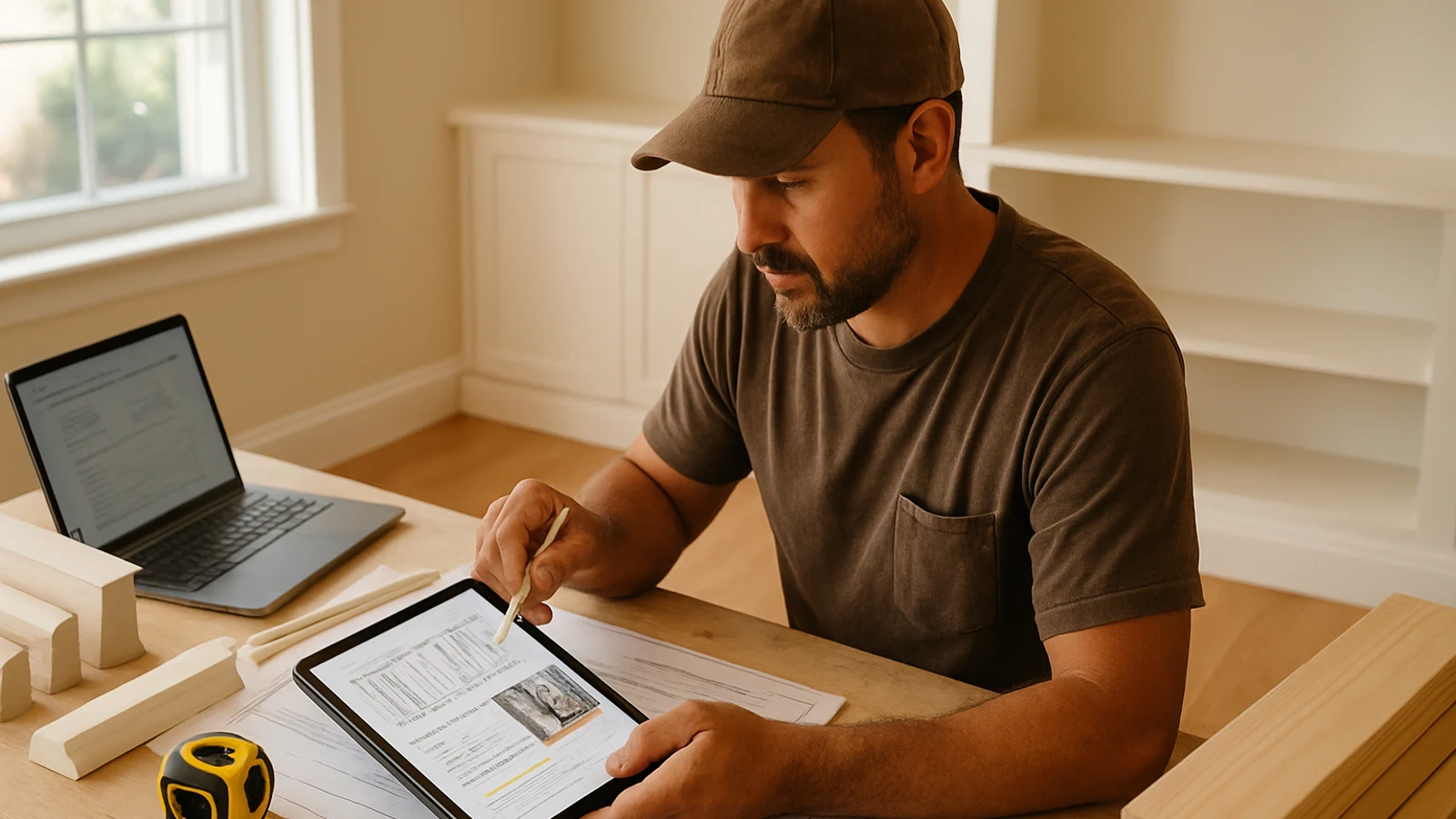
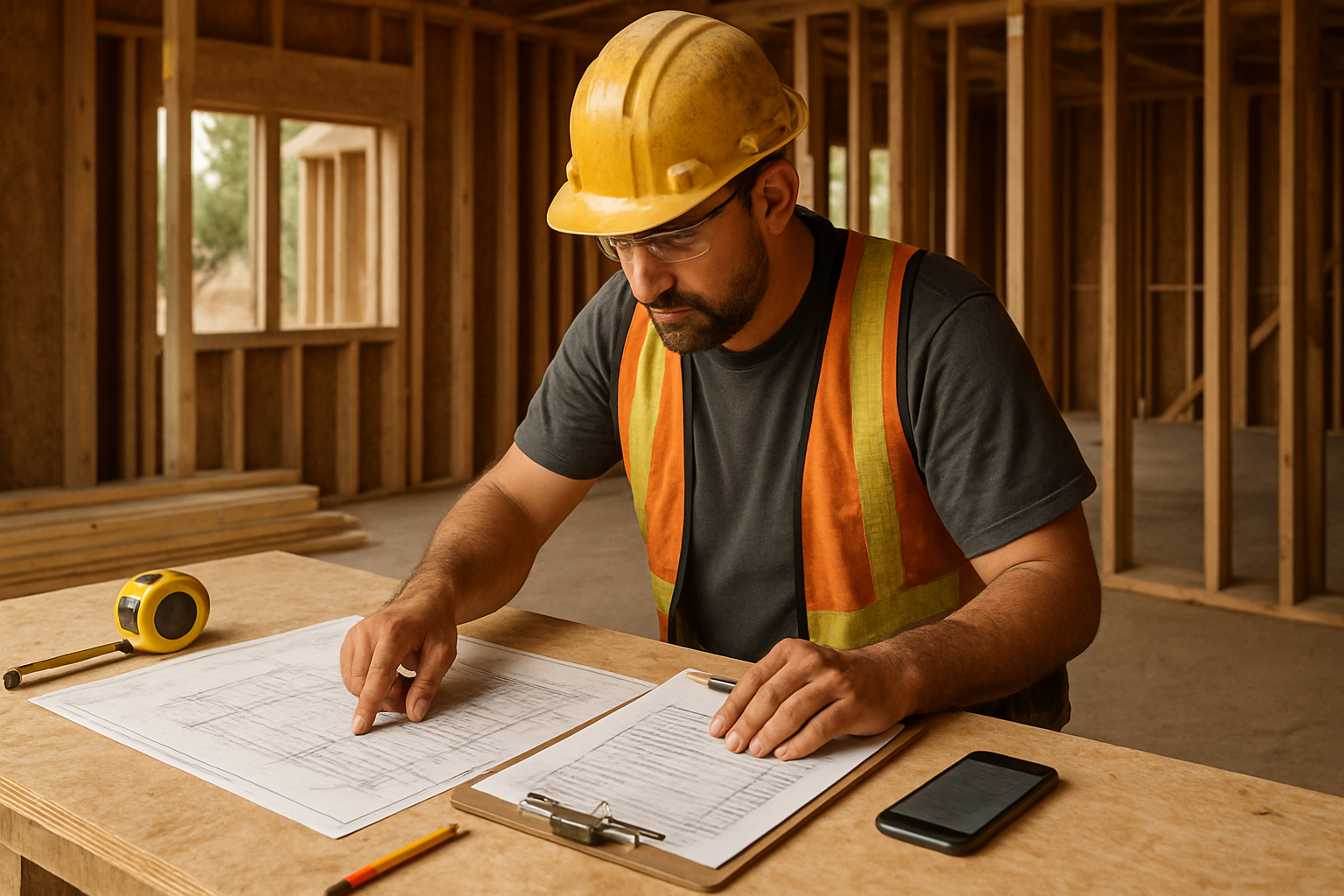
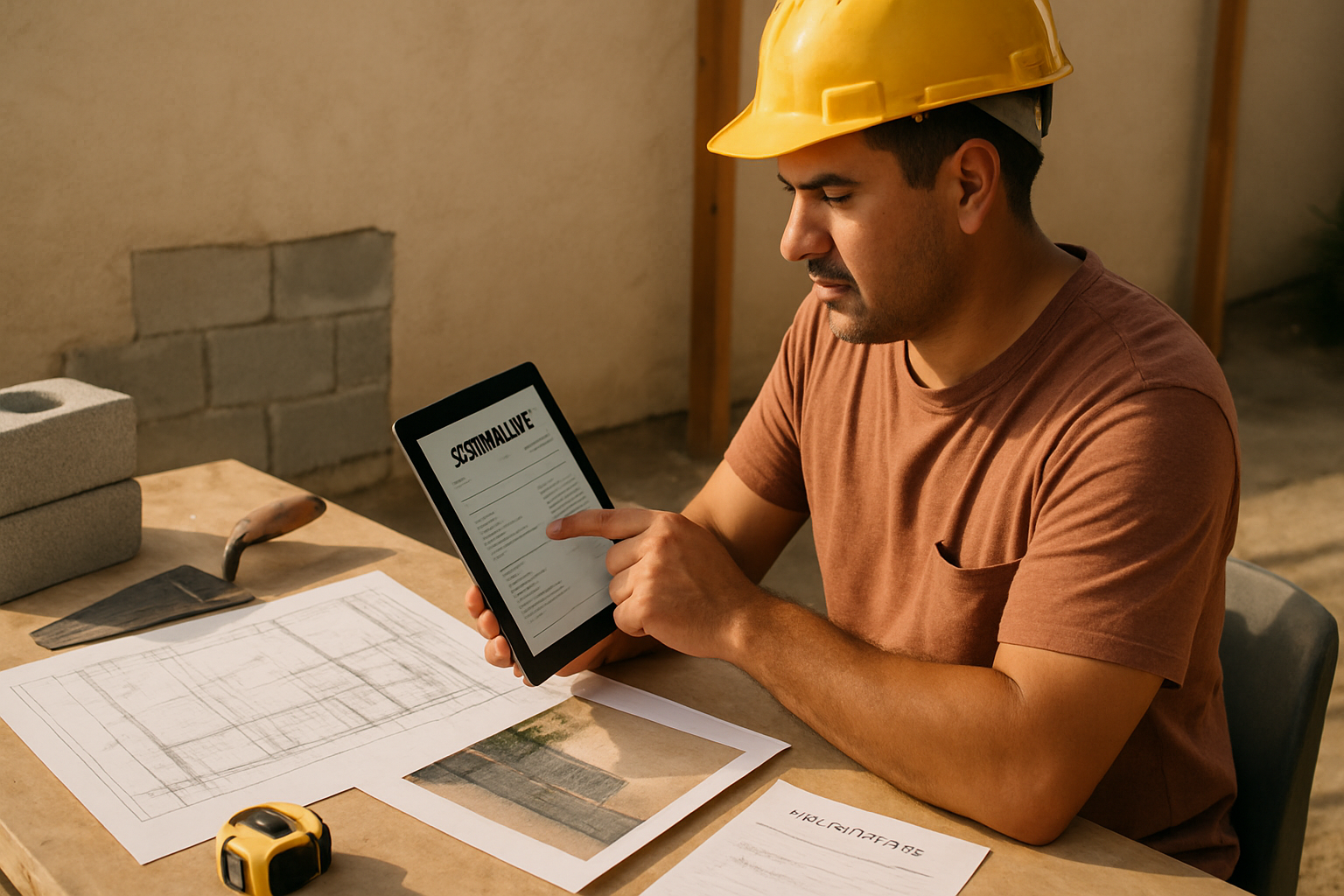
AI estimating software for Louisiana contractors can help turn job photos, blueprints, videos, and voice notes into cleaner bid drafts faster. The point is not to let software guess the final price. The point is to organize the scope, quantities, material list, labor assumptions, exclusions, and follow-up notes so the contractor can review the number and send a professional estimate with less office drag.
For a New Orleans remodeler, a Baton Rouge roofer, or a Lake Charles restoration contractor, speed matters. Leads often come in while crews are already on jobsites, weather can change the schedule, and customers expect a clear answer quickly. A slower estimate does not just cost time; it can let another contractor frame the scope first.
Key takeaway: use AI to structure the bid, not surrender the bid
The best use of AI estimating software is to take messy job inputs and turn them into an organized estimating workspace. That may include:
- Photos from a walkthrough
- A short phone video of damage or existing conditions
- Blueprints, plan sheets, or a PDF scope
- Voice notes from the contractor after leaving the site
- Customer messages, measurements, and change requests
From there, the contractor still reviews the assumptions. Louisiana jobs often need that judgment because the same square footage can price differently depending on access, moisture exposure, flood risk, historic details, code requirements, disposal, and how much unknown work is hiding behind walls or finishes.
Why this matters for Louisiana contractors
Louisiana estimating has its own jobsite realities. In New Orleans and other older neighborhoods, remodel work can involve raised foundations, plaster walls, older electrical or plumbing, tight streets, limited staging, and historic-district review. Around the Gulf Coast, heavy rain, humidity, wind exposure, and hurricane-season repairs can affect material choices, sequencing, drying time, temporary protection, and how clearly exclusions need to be written.
That does not mean every bid needs a complicated essay. It means the estimate should make the important assumptions visible. If a contractor is pricing siding repair after wind damage, flooring after water intrusion, or a commercial refresh in a humid building, the bid should separate visible work from hidden conditions. If permits, floodplain requirements, or local review may apply, the estimate should say who is responsible for confirming them.
AI can help by creating a first-pass structure that reminds the estimator to cover those areas before the proposal goes out.
A practical workflow for faster Louisiana estimates
1. Capture the job while you are still on site
Take photos from each corner of the work area, plus close-ups of problem areas. For exterior work, capture drainage, access, elevation changes, rooflines, soffits, penetrations, and staging constraints. For interior work, capture floors, walls, ceilings, fixtures, electrical panels when relevant, and any visible water damage.
Then record a short voice note before driving away. Say what the customer asked for, what you saw, what is excluded, and what you need to verify. This is often faster and more accurate than trying to remember the job at 8:30 p.m.
2. Separate known scope from unknown conditions
Louisiana contractors should be careful with hidden work. Water intrusion, older framing, termite damage, outdated wiring, and previous repairs can change the job once demolition starts. A good estimate separates confirmed work from allowances, alternates, and conditions that require a change order.
Instead of one vague line like “repair damaged room,” break the bid into demolition, disposal, substrate repair, finish replacement, paint, cleanup, and exclusions. That gives the customer a clearer price and gives your crew a better job plan.
3. Build a material and labor review checklist
Before sending, review the estimate against a simple checklist:
1. Are quantities tied to photos, measurements, plans, or customer-provided scope?
2. Are material grades, finish levels, and waste factors stated clearly?
3. Are access, staging, parking, disposal, and protection included?
4. Are permit, inspection, or local review responsibilities clear?
5. Are moisture, flood, wind, or hidden-condition assumptions written plainly?
6. Are alternates separated from the base bid?
7. Is there a follow-up task if the customer does not respond?
4. Turn the draft into a proposal the customer can understand
A professional estimate should not look like a text message with a total at the bottom. It should explain the scope, list the main line items, identify exclusions, show the price, and give the customer a next step.
Common mistakes to avoid
Sending a number before the scope is defined
A quick number can feel helpful, but if it leaves out assumptions, it can trap the contractor later. Give ranges only when you label them as rough budgets, not final bids.
Treating every Louisiana job like a dry, simple interior job
Moisture, heat, storms, elevation, access, and older building conditions can all affect scope. The estimate should reflect the real site, not just the square footage.
Forgetting the follow-up
Many contractors lose jobs after the estimate is sent because there is no organized follow-up. A good estimating workflow should create the proposal and remind the contractor when to call, text, or email the customer with a useful next step.
Letting software make final judgment calls
AI can organize information and suggest a draft, but the contractor should own the final scope, labor, margin, exclusions, and send decision. The local judgment stays with the person responsible for the job.
How Estimado AI helps
Estimado AI is built as AI estimating software for contractors who want faster estimates without losing control of the bid. A contractor can bring in photos, videos, blueprints, PDFs, job notes, or voice notes. Estimado helps organize the project into scope, quantities, materials, labor review, and a customer-ready estimate draft.
The contractor remains in the loop. That matters for Louisiana work because a real estimator still needs to review local assumptions: moisture exposure, hidden conditions, access, permits, finish level, crew productivity, and risk. Estimado acts like a junior estimator at the contractor’s right hand, not a replacement for the contractor.
If you want a faster estimating workflow for Louisiana work without handing control of the bid to software, join the Estimado AI waitlist.
Next step
For Louisiana contractors, the fastest estimate is not the one with the fewest lines. It is the one that captures the real job clearly enough to price, schedule, and follow up without confusion. Start by improving your input capture: photos, videos, voice notes, plans, and a written list of assumptions. Then use AI to organize the bid so your final review is faster and cleaner.
FAQ
Is AI estimating software accurate enough for Louisiana contractors?
AI estimating software can help organize the scope and estimate draft, but the contractor should still review quantities, labor, materials, exclusions, and local conditions. Accuracy depends on the quality of inputs and the contractor’s review.
Can AI estimate from job photos and videos?
Yes, AI estimating tools can use photos and videos to help identify visible scope and existing conditions. Contractors should still provide measurements or confirm dimensions when the software cannot reliably infer them.
What should Louisiana contractors include in estimate exclusions?
Common exclusions may include concealed damage, mold or hazardous-material remediation, code upgrades not visible at walkthrough, permit fees, engineering, floodplain review, and customer-selected finish changes. The right exclusions depend on the job and local requirements.
Does Estimado AI send estimates automatically?
No. Estimado is designed to help contractors create professional estimate drafts. The contractor reviews, edits, approves, and sends the final estimate.