AI Estimating Software for Door Contractors: Faster Quotes for Installs, Swaps, and Change Orders
AI estimating software for door contractors helps speed up quoting for installs, replacements, hardware changes, and punch-list work while keeping the contractor in control.

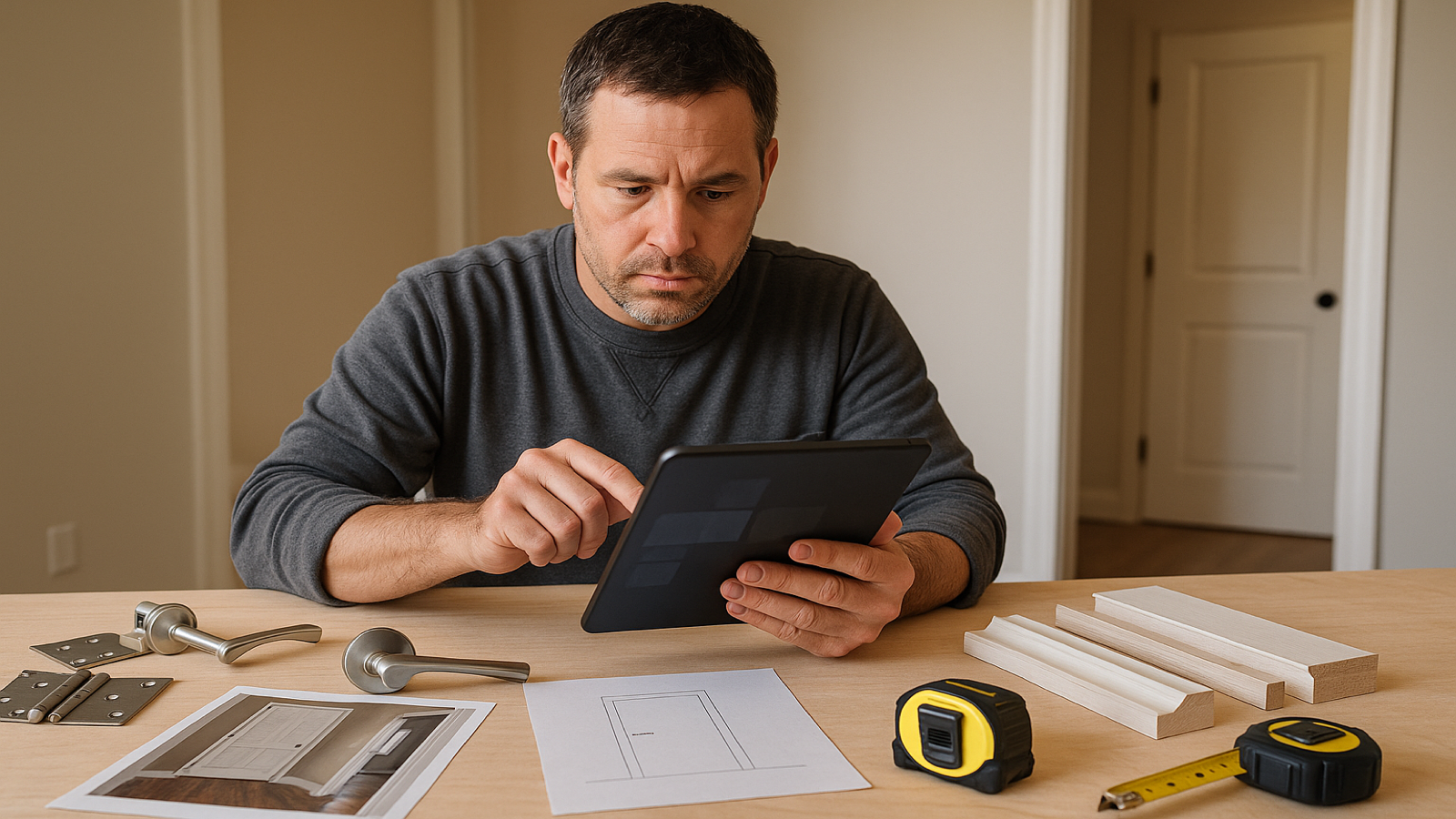
AI estimating software for door contractors helps turn photos, plans, measurements, hardware notes, and scope details into faster quotes without taking the contractor out of the decision. The software should help organize the estimate, flag missing information, build a professional scope, and make follow-up easier, while you still review every number before it goes to the customer.
That matters because door work looks simple from the outside, but contractors know how quickly one “replace a door” lead can turn into a quote with questions: slab or prehung, interior or exterior, jamb condition, casing, threshold, lockset, closer, fire rating, swing, handing, finish, disposal, paint touch-up, and who is responsible for hardware.
A good estimate catches those details before the job starts. A bad estimate catches them after the customer already approved the price.
The short answer: what AI estimating software should do for door contractors
AI estimating software for door contractors should help you convert job information into a complete estimate faster: scope of work, material list, labor lines, exclusions, notes, and a customer-ready proposal. It should not guess blindly, replace your judgment, or send a quote without your approval.
For door contractors, the biggest value is not “AI magic.” The value is speed and organization. The software should help you go from scattered job details to a clean draft estimate while you still control the final price.
A practical AI estimating workflow for door work should help with:
1. Reading job photos, plans, notes, and measurements.
2. Separating labor, material, hardware, trim, finishing, disposal, and special conditions.
3. Calling out missing information before you price the job.
4. Creating a professional estimate that a customer can understand.
5. Helping you follow up after the bid is sent.
That is the difference between a tool that sounds impressive and a tool that actually helps a door contractor make money.
Why door estimates are easy to under-scope
Door work is full of small details that do not look small once the crew is on site.
A customer may say, “I need three doors replaced.” But a contractor still needs to know whether those are slabs or prehung units, whether the existing frames are square, whether casing is being reused or replaced, whether hinges line up, whether locksets are included, whether one door needs a closer, whether an exterior threshold is damaged, and whether paint or stain touch-up is expected.
That is why estimating doors is not just counting doors. It is defining what each opening needs.
Common details that change a door quote include:
- Interior versus exterior door.
- Slab replacement versus prehung unit.
- Hollow core, solid core, metal, fiberglass, wood, or specialty door.
- Existing jamb and casing condition.
- Hinge size, hinge count, and handing.
- Lockset, deadbolt, lever, panic hardware, closer, kick plate, or weatherstripping.
- Threshold, sweep, seal, or sill condition.
- Fire-rated or commercial hardware requirements where applicable.
- Paint, stain, caulk, patching, and cleanup expectations.
- Disposal of old doors and packaging.
- Access, parking, elevator use, tenant scheduling, or after-hours work.
AI estimating software is useful when it helps organize those details into a checklist instead of letting them sit in a text message, a voice note, or a few photos on your phone.
A better estimating workflow for door contractors
A strong door estimating workflow does not start with price. It starts with clean scope.
Here is a practical workflow a door contractor can use with or without software.
1. Capture the opening, not just the door
A door estimate should be based on the whole opening. Photos should show the door face, frame, casing, threshold if applicable, hinge side, strike side, hardware, floor transition, and any visible damage.
For exterior doors, add photos of the outside face, weatherstripping, sill, flashing area if visible, and surrounding trim. For commercial doors, capture hardware, closers, labels, panic hardware, and frame condition.
AI can help by reading photos and turning them into a draft job record. But if the photo misses the problem area, the estimate can still miss it. The contractor still has to confirm what matters.
2. Separate each opening into its own line item
Door jobs get messy when everything is bundled into one vague line: “replace doors.”
A clearer estimate separates each opening. For example:
- Opening 1: replace interior prehung bedroom door, include casing replacement.
- Opening 2: replace bathroom slab only, reuse existing jamb and casing.
- Opening 3: exterior back door, include threshold, weatherstrip, and lockset install.
This makes the estimate easier to review, easier to explain, and easier to adjust if the customer removes one item.
3. Identify what is included and excluded
A door estimate should not leave the customer guessing. If painting is included, say so. If paint is excluded, say so. If the customer supplies hardware, say so. If you are providing hardware, list it.
Common inclusions and exclusions to clarify:
- Door unit or slab.
- Hinges and hardware.
- Lockset and deadbolt.
- Casing or trim.
- Threshold and weatherstripping.
- Paint, stain, or finish work.
- Caulking and patching.
- Disposal.
- Permit or code-related requirements when relevant.
Good estimating software should help turn these decisions into clean proposal language instead of forcing the contractor to rewrite the same notes on every bid.
4. Flag unknowns before the quote goes out
Some unknowns should be handled before pricing. Others can be listed as exclusions or allowances. The key is not pretending they do not exist.
Examples of unknowns in door estimates:
- The wall or frame may be out of square.
- Hidden rot may exist under an exterior threshold.
- Existing hinge mortises may not line up with a replacement slab.
- The customer may expect painting even if it was never discussed.
- Commercial hardware may need to match existing building standards.
- Access may require extra handling or after-hours scheduling.
AI can help by creating a risk checklist from the photos and notes. The contractor then decides what to price, what to exclude, and what to confirm.
5. Send a professional quote quickly
Speed matters. If a customer sends photos in the morning and gets a clear quote the same day, you look organized. If the quote takes three days, the customer may already be talking to another contractor.
For door contractors, the right estimating software should reduce the time between lead and quote by helping assemble the estimate faster. It should not replace your pricing knowledge. It should help you get your knowledge into a clean proposal before the lead gets cold.
What to look for in door estimating software
Door estimating software should fit the way contractors actually receive leads. Many jobs start with photos, a few measurements, a plan page, a text description, or a voice note from a customer or project manager.
Look for software that helps with real job intake, not just spreadsheet math.
Photo and note intake
The software should let you work from job photos and written notes. Door work depends heavily on visual details: casing, frames, thresholds, hardware, condition, and surrounding finishes.
A tool that only accepts manual line items may still be useful, but it does not solve the problem of turning messy lead information into an estimate quickly.
Scope organization
The software should help break the job into clear scope lines by opening, room, door type, hardware, and finishing responsibility.
A clean estimate protects the contractor. It also helps the customer understand what they are paying for.
Material and hardware clarity
Door quotes often go sideways when hardware is unclear. The estimate should make it obvious who supplies the door, hinges, lockset, closer, threshold, weatherstripping, casing, and finish materials.
The goal is not to make the quote longer. The goal is to remove the assumptions that cause arguments later.
Contractor review before sending
This is non-negotiable. AI estimating software should never send door estimates automatically without contractor review. You know your labor, your market, your suppliers, your crew, and your risk tolerance.
The best setup is contractor-in-the-loop: AI drafts the estimate, the contractor reviews and edits it, and the contractor decides what goes to the customer.
Follow-up after the bid
A lot of contractors focus only on sending the estimate. The follow-up process matters too.
A good system should make it easier to see which quotes are waiting, which ones need a follow-up, and what was included in the original bid. Door work often involves small and mid-sized jobs where the customer is comparing speed, professionalism, and confidence. Follow-up can be the difference between a bid that dies and a bid that closes.
How AI helps without replacing the contractor
AI is useful in door estimating when it handles the admin work around your judgment.
It can help summarize photos, extract notes, create a draft scope, list likely materials, organize labor lines, and prepare a professional proposal. But it should not decide your final labor price, ignore unclear details, or promise the customer something you did not approve.
Think of AI as a junior estimator. It can prepare the first draft, ask good questions, and reduce office workload. You are still the senior estimator. You approve the scope, adjust the line items, set the labor, and decide whether the price is worth the risk.
That is especially important for doors because one missed condition can eat up the margin. A rotten sill, bad frame, mismatched hardware, or paint expectation can turn a simple replacement into a callback.
Common mistakes door contractors should avoid
Pricing every door like the same door
A slab replacement, a prehung interior door, an exterior entry door, and a commercial hardware change are not the same estimating problem. If the estimate treats them the same, the job can lose money.
Leaving paint and finish work vague
Customers often assume the finished result includes paint, stain, caulk, or touch-up. If finish work is not included, say it clearly. If it is included, define the level of finish.
Forgetting hardware responsibility
Door hardware can be simple or expensive. The estimate should say whether the contractor or customer supplies it, what type is included, and whether installation is included.
Not checking the frame and opening
The door is only part of the job. A bad jamb, damaged threshold, out-of-square opening, or failed casing can change labor and materials.
Sending a quote with no follow-up plan
Fast quoting helps, but follow-up closes jobs. If a quote is worth sending, it is worth tracking. A simple follow-up system keeps good leads from disappearing.
How Estimado AI helps
Estimado AI is being built for contractors who want faster, cleaner estimates without giving up control of the final number. For door contractors, that means turning job photos, measurements, notes, plans, and voice descriptions into a structured estimate draft you can review, edit, approve, and send.
The goal is not to replace your estimating judgment. The goal is to reduce the office work between receiving the lead and sending a professional quote.
For door work, Estimado can help organize the estimate around the details that matter: opening conditions, door type, hardware, casing, threshold, finish work, disposal, exclusions, and follow-up.
Next step
If you run a door installation or replacement business, the right AI tool should help you respond faster, make scope clearer, and keep control of the final number.
For contractors who want to turn photos, notes, measurements, and door details into estimates they can review and send, join the Estimado AI waitlist.
FAQ
What is AI estimating software for door contractors?
AI estimating software for door contractors is software that helps turn job photos, notes, measurements, plans, and scope details into a draft estimate for door installation, replacement, hardware, and related work. The contractor still reviews and approves the estimate before sending it.
Can AI price door jobs automatically?
AI can help organize scope and draft estimate line items, but contractors should still review labor, materials, hardware, risk, and margin before sending a quote. Door jobs depend on local labor, supplier pricing, site conditions, and contractor judgment.
What should a door estimate include?
A door estimate should include the door type, quantity, opening or room, slab versus prehung scope, frame and casing work, hardware responsibility, finish work, disposal, exclusions, and any assumptions or unknowns that affect price.
Is door estimating software useful for small contractors?
Yes, if it saves time and makes estimates cleaner. Small contractors often have the owner doing sales, estimating, ordering, scheduling, and field work. A tool that reduces estimate admin can help the owner respond faster without hiring office staff.
Should AI send door quotes without contractor approval?
No. AI should help prepare the estimate, but the contractor should always review the scope, pricing, exclusions, and customer-facing proposal before it is sent.