AI Estimating Software for Colorado Contractors: Faster Bids for Denver, Mountain, and Storm Jobs
Colorado contractors can use AI estimating software to organize photos, plans, videos, and field notes into clearer estimates for Denver, Front Range, mountain, and storm-response work.

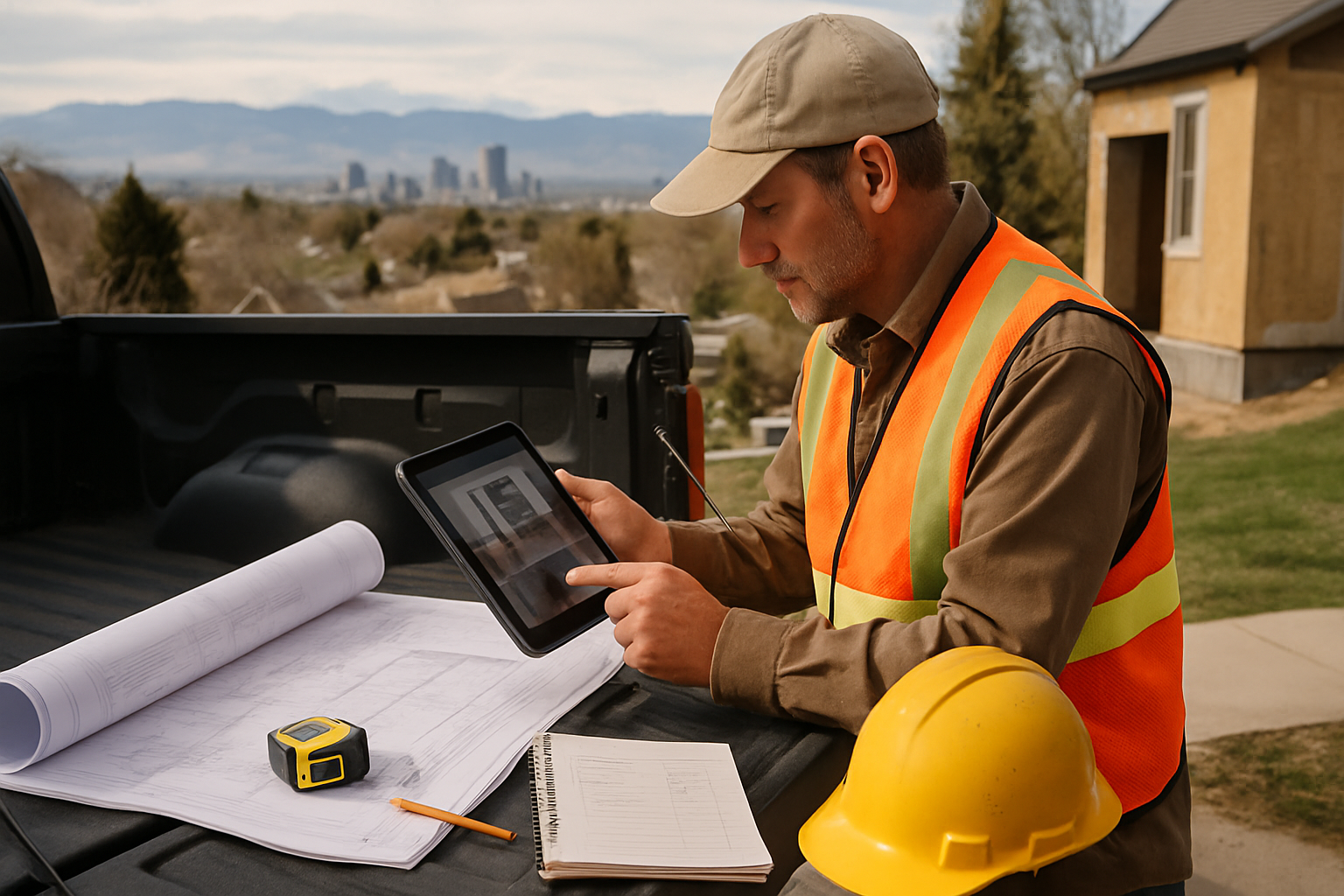
AI estimating software for Colorado contractors is most useful when it turns scattered job photos, blueprints, short videos, voice notes, and texts into a clean estimate draft faster, while the contractor still controls scope, assumptions, labor, markup, and the final price. Colorado bids can change quickly by location: a Denver remodel, a Colorado Springs addition, a Front Range hail repair, and a mountain cabin job may all need different access notes, code checks, weather assumptions, and schedule planning.
This guide is for Colorado general contractors, remodelers, and trade contractors who already know the work but need a tighter path from lead intake to professional bid without adding another office hire.
The direct answer: what should AI estimating software do for Colorado contractors?
The best AI estimating software for Colorado contractors should organize the facts of the job into a reviewable estimate: scope of work, quantities, material list, labor line items, assumptions, exclusions, and questions that must be answered before the bid goes out.
It should not act like a black-box estimator. It should work more like a junior estimator at your side: reading plans, summarizing site photos, pulling key points from voice notes, and flagging missing information so you can review and approve the final number.
For Colorado contractors, that review step matters. Local licensing and permit rules are not identical from Denver to Aurora, Boulder, Fort Collins, Colorado Springs, Pueblo, or a mountain county. Electrical and plumbing work may also require state-level checks. A good estimate workflow keeps those questions visible instead of hiding them inside a lump-sum quote.
Why Colorado bids need more than a fast number
Colorado is not one estimating environment. Denver and the metro area bring remodels, additions, infill work, tight access, parking constraints, and busy permit timelines. Colorado Springs and the Front Range can bring wind, hail, elevation changes, and fast-moving residential growth. Mountain and resort-area projects can add snow-load considerations, steep driveways, limited staging, seasonal access, long supplier runs, and higher mobilization costs.
Weather and site conditions also affect scope. Exterior work may need assumptions for freeze-thaw cycles, UV exposure, wind, hail damage, drainage, wildfire-prone areas, and winter scheduling. Concrete, roofing, siding, painting, decks, windows, and remodel work can all be affected by altitude, temperature swings, moisture, and access.
A faster estimate only helps if it is still specific. The customer should see what is included, what is excluded, what is an allowance, and what must be confirmed before final work starts.
A practical AI-assisted estimate workflow
Use this workflow when a Colorado lead comes in and you want to move quickly without losing scope control.
1. Capture every input in one place. Keep the address, customer goal, deadline, photos, plan sheets, videos, text messages, and voice notes together. Do not leave half the estimate in your phone and half in email.
2. Sort facts from assumptions. Facts are visible or measured: plan dimensions, damaged siding, cracked concrete, roof photos, or a video of the existing kitchen. Assumptions are items you still need to verify: hidden rot, subfloor condition, electrical capacity, permit path, snow-load details, or utility location.
3. Build scope before pricing. Write the work sequence first: protection, demo, inspection, prep, installation, hauling, cleanup, and final walkthrough. Pricing before scope is how small omissions turn into expensive callbacks.
4. Create line items that match real work. Separate material, labor, equipment, disposal, travel, staging, permits, subcontractors, and allowances. Mountain access, long delivery routes, winter protection, or storm cleanup should not be buried in a generic line.
5. Add Colorado-specific checks. Note local permit verification, licensing requirements, HOA rules, utility locate needs, wildfire or defensible-space considerations, snow-load questions, and any jobsite access constraints.
6. Review risk before sending. Flag items that could change price: hidden water damage, soil movement, old wiring, old plumbing, lead-safe work, asbestos concern, roof deck condition, drainage problems, or material lead times.
7. Send a clear estimate and follow up. A fast bid is stronger when it gives the customer a clear scope and gives your office a follow-up trail.
Denver example: turning field notes into a cleaner bid
Say a Denver homeowner sends twelve photos of a basement remodel, a phone video walking through the stairs and mechanical room, and a voice note: “We want framing, drywall, flooring, paint, and maybe a new bathroom down here.”
A weak workflow creates a rough number and leaves the hard questions for later. A stronger workflow turns the input into a draft you can review:
- visible existing conditions from photos and video
- customer intent pulled from the voice note
- framing, drywall, flooring, paint, plumbing, electrical, and finish-scope sections
- questions about ceiling height, egress, bathroom rough-in, panel capacity, ventilation, and local permit requirements
- allowances or exclusions for hidden MEP changes, moisture, concrete patching, or code-driven upgrades
- a professional estimate structure the contractor can edit before sending
The software should not guess what it cannot know. It should make missing information obvious so the contractor can ask the right questions before price becomes a promise.
Common estimating mistakes to avoid in Colorado
Quoting from photos without written assumptions. Photos are useful, but they do not show what is behind drywall, under a roof deck, below flooring, or inside a crawlspace. Put assumptions and exclusions in writing.
Ignoring access and seasonality. Mountain work, winter work, tight Denver alleys, limited parking, steep driveways, and long supplier runs can change production time.
Treating storm repair like normal repair. Hail, wind, fallen branches, and water intrusion often create hidden damage and documentation needs that should be reflected in the scope.
Forgetting local permit differences. Colorado contractors should verify requirements with the city, county, or authority having jurisdiction before sending work that depends on permits, inspections, or licensed trades.
Sending a lump-sum estimate with no scope clarity. A single number may be fast, but it can create disputes when the customer assumes more work is included than you priced.
How Estimado AI helps
Estimado AI is being built as AI estimating software for contractors who want faster estimates without giving up control of the final number. The goal is to help turn blueprints, job photos, videos, and voice notes into structured estimate drafts that the contractor reviews, edits, approves, and sends.
For Colorado contractors, that means a more organized path from lead intake to scope, quantities, line items, assumptions, and a professional estimate packet. Estimado is not meant to replace the contractor’s judgment. It is meant to help prepare the draft so you can spend more time checking the job and less time rebuilding the estimate from scattered notes.
If your Colorado crew wants estimates that move faster while you still control scope, assumptions, labor, markup, and the final number, join the Estimado AI waitlist.
Next step
Start by tightening intake. Ask for the address, photos, measurements if available, plans, a short video, the customer’s goal, timeline, and known constraints before pricing. Then use estimating software to organize that information into a scope you can review, correct, and send with confidence.
For more context, see the Estimado guide to AI estimating software for contractors, plus nearby state guides for Kansas contractors and New Mexico contractors.
FAQ
Is AI estimating software accurate enough for Colorado contractors?
AI estimating software can speed up the first estimate draft, but the contractor still needs to verify measurements, site conditions, local requirements, material choices, labor, markup, and final pricing. It should support your review process, not replace it.
Can AI help estimate from photos, videos, and voice notes?
Yes. AI can help summarize visible conditions, organize customer requests, identify likely scope sections, and flag missing measurements. It should also mark what cannot be confirmed from the media alone.
What Colorado jobs benefit most from AI-assisted estimating?
Remodels, storm repairs, exterior work, plan-based projects, service upgrades, and jobs with scattered customer inputs benefit because AI can organize photos, drawings, notes, assumptions, and questions into a cleaner estimate draft.
Do Colorado contractors still need to check local permits and licensing?
Yes. Permit and licensing requirements can vary by jurisdiction and scope. Contractors should verify requirements with the city, county, state board, or authority having jurisdiction before sending a bid that depends on permits or licensed work.