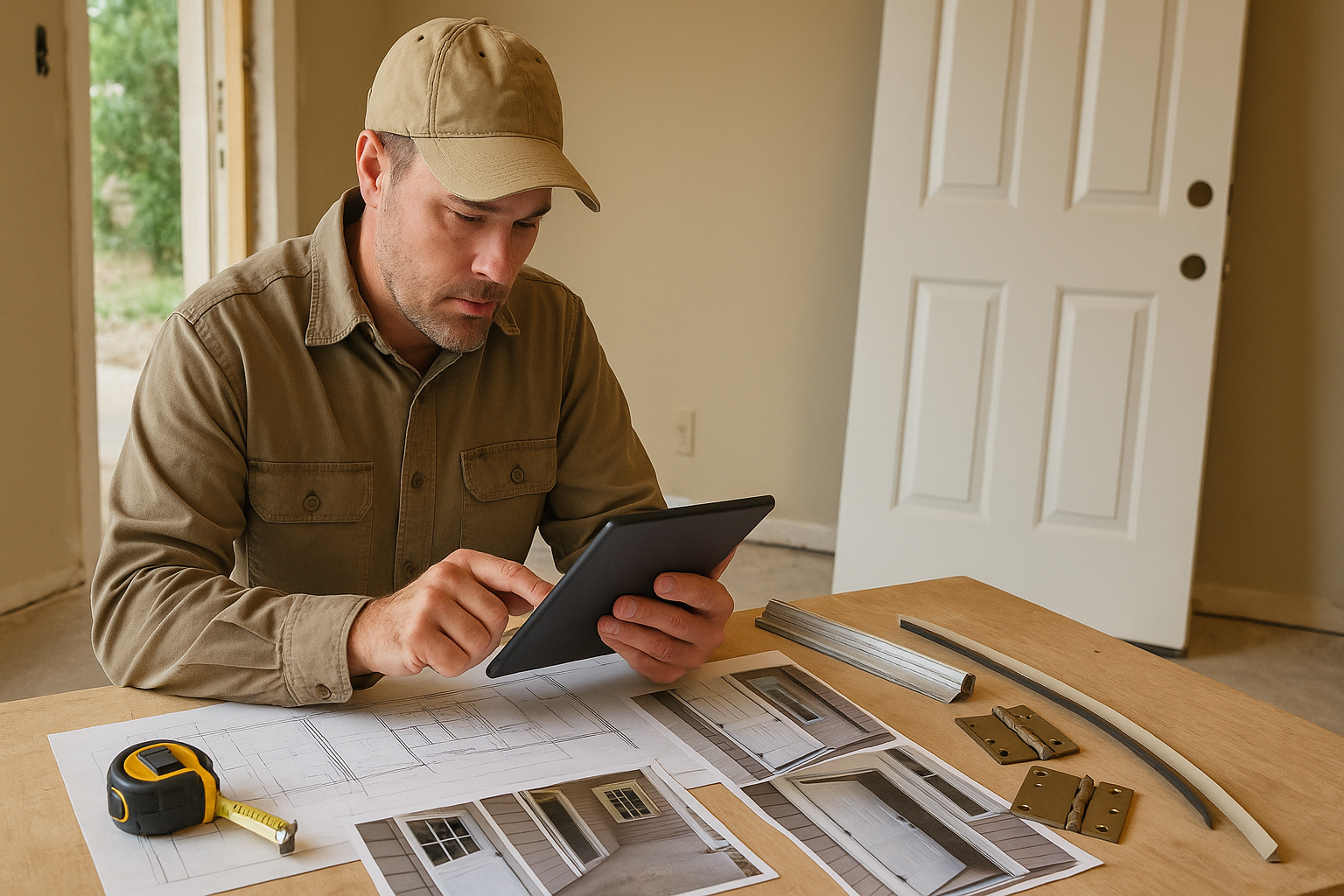
AI Estimating Software for Wyoming Contractors: Faster Bids for Cheyenne and Statewide Jobs
A practical guide for Wyoming contractors using AI estimating software to turn photos, plans, videos, and voice notes into faster professional bid drafts while keeping contractor review in control.

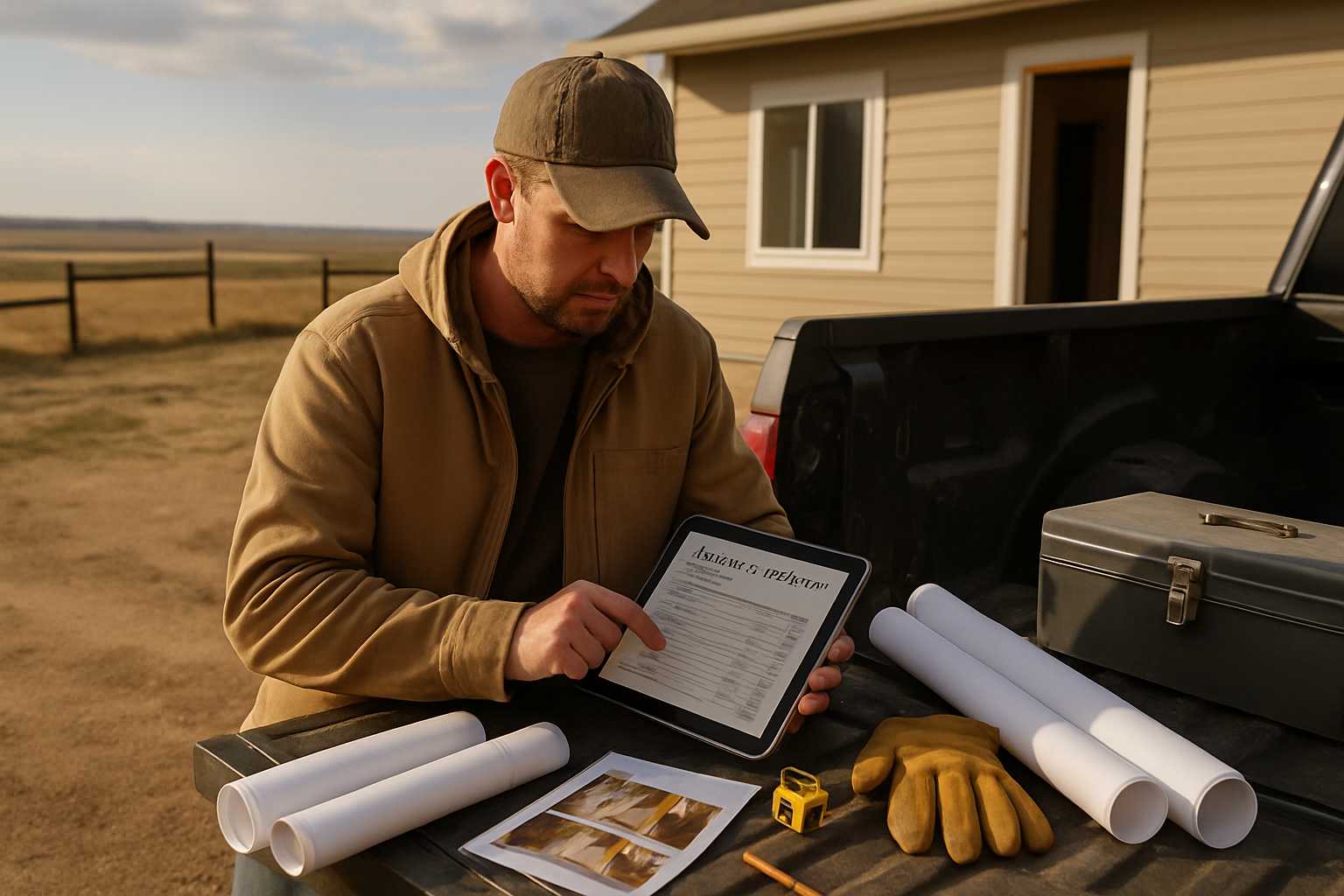
Wyoming contractors often estimate jobs across long drive distances, changing weather, and project details scattered across photos, drawings, texts, and voice notes. AI estimating software for Wyoming contractors can help turn that information into a cleaner bid draft faster, while the contractor still reviews the scope, quantities, labor, assumptions, and final price before anything goes to the customer.
That matters in Cheyenne, Casper, Laramie, Gillette, Rock Springs, Sheridan, Cody, Jackson, and rural county work because Wyoming estimating is rarely just square footage. Wind exposure, winter sequencing, rural access, supply runs, municipal permit differences, and site conditions can all change the number.
Key takeaway: use AI to speed up the estimate draft, not remove contractor judgment
The practical value of AI estimating software is a better first draft. It should help organize job inputs, build a scope outline, surface missing information, and prepare a professional estimate for contractor review.
A Wyoming contractor-friendly workflow looks like this:
1. Capture the job with photos, plans, videos, text notes, or a voice memo.
2. Let the software organize scope, material categories, takeoff notes, labor review points, and open questions.
3. Review the draft like the senior estimator.
4. Adjust for local labor, travel, access, weather, supplier choices, permits, and risk.
5. Send a clear proposal while the lead is still warm.
The contractor-in-the-loop part is important. A Cheyenne remodel, a Casper light commercial repair, a Jackson exterior upgrade, and a rural ranch outbuilding do not carry the same assumptions, even when the line items look similar.
Why this matters for Wyoming contractors
Many Wyoming contractors are not short on trade skill. They are short on office time. Estimates get pushed to nights and weekends because the day is already full of site visits, crew questions, material pickups, supplier calls, and active work.
Wyoming jobs also have conditions that should be visible in the estimate instead of buried in the contractor’s memory:
- Long drive radius and mobilization. A small job can lose money if the bid ignores travel time, fuel, staging, return trips, and pickup runs for missing materials.
- Wind, snow, and freeze-thaw timing. Exterior work, roofing tie-ins, siding, concrete, doors, windows, and site protection may need weather windows and sequencing notes.
- Rural access and staging. Gravel roads, jobsite distance, limited parking, equipment access, and disposal routes can affect crew productivity.
- Local permit and inspection rules. Wyoming contractors should verify city or county permit requirements, local contractor registration rules, and trade-specific licensing before assuming the job is routine.
- Mountain and high-plains conditions. Elevation, exposure, drainage, soil movement, and seasonal access can change assumptions on exterior, foundation, envelope, and remodel work.
AI can help organize those details, but it should not flatten Wyoming into a generic national average. The estimate needs clear inclusions, exclusions, allowances, and open questions so the customer understands what is priced and what still needs verification.
A practical AI-assisted estimating workflow
Use this process when a Wyoming lead comes in and you want to respond faster without sending a thin or risky bid.
1. Put the job information in one place
Start with what you already have: blueprint sheets, phone photos, a walkthrough video, supplier notes, a text thread, or a voice memo after the site visit. The goal is to stop estimating from scattered memory.
For example, after walking a Cheyenne basement finish, record: “Frame perimeter walls, add insulation, drywall, paint, LVP flooring, bathroom rough-in already present, check egress, customer wants mid-grade trim, limited driveway staging, verify permit path.” That note should become part of the estimate draft, not stay in your truck notebook.
2. Define scope before pricing
Before the number, define the work. What is being removed? What stays? Which surfaces are disturbed? Which trades are involved? Who handles protection, disposal, cleanup, and permit coordination? What is unknown until demolition or site verification?
AI estimating software can help turn scattered inputs into sections such as demolition, prep, materials, labor, equipment, protection, disposal, allowances, exclusions, and open questions. If the scope is vague, the final price may look clean but still be dangerous.
3. Build quantities and assumptions
For blueprint-driven jobs, the software should help organize drawings, sheet notes, and quantities into a reviewable takeoff. For remodels, it should help translate photos, videos, and descriptions into material categories and measurable assumptions.
The contractor still needs to confirm the numbers. If a photo does not show a wall length or the plan set does not clearly show an elevation, the estimate should ask for a measurement or mark the item as an assumption. Guessing hidden dimensions is how underbids happen.
4. Add Wyoming job conditions
Before sending the proposal, add conditions that affect production and risk:
- travel time, mobilization, and minimum trip charges
- wind, snow, freeze-thaw, or seasonal scheduling limits
- road access, parking, staging, and delivery constraints
- disposal distance and dump fees
- exterior protection and weatherproofing assumptions
- permit responsibility and inspection coordination
- owner-supplied material rules
- concealed damage or existing-condition exclusions
- change-order triggers for unknown framing, moisture, or code issues
These notes make the estimate more professional and reduce arguments after the job starts.
5. Review labor, overhead, and margin
AI can help assemble the draft, but your crew speed, subcontractor quotes, labor cost, overhead, warranty risk, and margin are business decisions. A job in Cheyenne may price differently from a job near Jackson, Sheridan, or a rural county simply because access, labor availability, travel, and supplier logistics are different.
Use AI to reduce admin time. Do not let it replace your local judgment.
Common mistakes to avoid
Treating AI like an autopilot estimator
Do not let software send numbers directly to customers without review. Use AI as a junior estimator that organizes details, drafts scope, and surfaces questions. The contractor remains the senior estimator.
Forgetting travel and mobilization
Wyoming distances matter. If a bid ignores windshield time, material pickup runs, jobsite staging, and return trips, a profitable-looking job can turn into a thin one fast.
Leaving weather assumptions unstated
Wind, snow, frozen ground, and shoulder-season weather can change exterior work and concrete scheduling. State what weather conditions are assumed and what may require resequencing.
Using one statewide labor assumption
Labor production changes by crew, trade, job size, access, and subcontractor availability. Do not let software flatten Cheyenne, Casper, Jackson, and rural county work into one average number. Review labor line by line.
Sending a polished proposal with weak scope
A professional-looking estimate still needs clear scope. Include inclusions, exclusions, allowances, payment terms, customer decisions, and open questions in plain English.
How Estimado AI helps
Estimado AI is being built as AI estimating software for contractors who want faster bid drafts without adding office overhead. It helps turn blueprints, job photos, videos, and voice notes into organized estimate drafts with scope, material categories, quantities, labor review points, and customer-ready structure.
The point is not to replace a Wyoming contractor’s judgment. The point is to reduce the office bottleneck so a good contractor can review a better first draft, tighten the scope, and respond faster. Learn more about Estimado AI at estimado.com or read more contractor estimating guides on the Estimado blog.
If you want a cleaner way to turn Wyoming job notes, photos, and plans into review-ready bid drafts, join the Estimado AI waitlist.
Next step
If estimating is slowing down your Wyoming jobs, start by tightening how you capture project details and review assumptions. A faster draft is only valuable when it is specific, clear, and reviewed by the contractor who owns the work.
FAQ
What is AI estimating software for Wyoming contractors?
AI estimating software for Wyoming contractors helps organize job inputs such as plans, photos, videos, and notes into estimate drafts. The contractor reviews scope, quantities, labor, assumptions, and price before sending anything.
Can AI estimating software help with Cheyenne remodeling estimates?
Yes. It can help structure a Cheyenne remodel estimate when the contractor provides clear photos, notes, measurements, or plans. The contractor still needs to review permits, access, weather, labor, travel, and exclusions.
Should Wyoming contractors let AI set labor rates?
No. Labor rates should come from the contractor’s crew, overhead, production history, and local subcontractor costs. AI can organize labor line items, but the contractor should approve hours and rates.
What should a Wyoming construction estimate include?
A strong estimate should include scope of work, material categories, labor assumptions, exclusions, allowances, travel or mobilization notes, permit responsibility, cleanup and disposal, timeline assumptions, payment terms, and open questions.
Is Estimado AI only for general contractors?
No. Estimado AI is being built for contractors across trades. General contractors can use it to organize multi-scope jobs, while specialty contractors can use it to speed up repeatable bid workflows.