AI Estimating Software for Massachusetts Contractors: Faster Bids for Boston and Statewide Jobs
A practical guide for Massachusetts contractors using AI estimating software to turn photos, plans, videos, and voice notes into faster professional bid drafts while keeping contractor review in control.


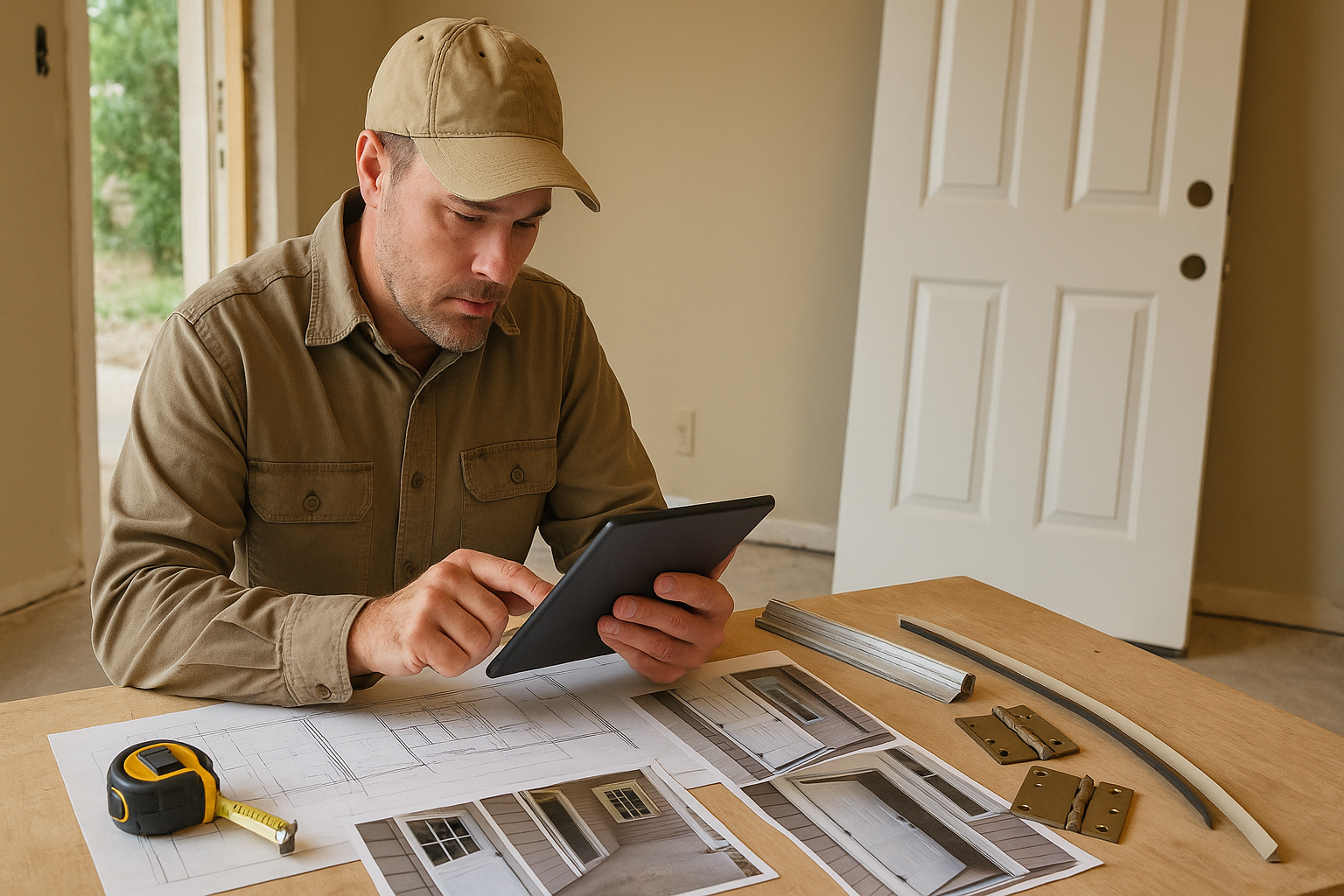
Massachusetts contractors do not need another generic app that creates more office work. They need a faster way to turn real job information into a clear estimate they can review, adjust, and send. AI estimating software for Massachusetts contractors can help organize blueprints, job photos, videos, and voice notes into a professional bid draft while the contractor stays in control of the final scope and price.
That matters on jobs around Boston, Worcester, Springfield, Lowell, Cambridge, Cape Cod, and the South Shore because estimating is rarely just a math exercise. Older buildings, tight access, weather exposure, local permitting, and renovation unknowns can all change the number.
Key takeaway: AI estimating software should speed up the draft, not replace the contractor
The best use of AI estimating software is not “push one button and hope the number is right.” For Massachusetts general contractors and remodelers, the practical workflow is:
1. Capture the job clearly with photos, plans, videos, or a voice note.
2. Let the software organize scope, quantities, material categories, labor assumptions, and open questions.
3. Review the estimate like a senior estimator.
4. Adjust local labor, material choices, access conditions, permit assumptions, and risk items.
5. Send a cleaner proposal faster.
That contractor-in-the-loop approach is important. Massachusetts jobs can involve old framing, layered finishes, lead-safe work considerations in pre-1978 housing, coastal moisture, freeze-thaw damage, and town-by-town permitting expectations. AI can help structure the bid, but the contractor still needs to approve what goes out.
Why this matters for Massachusetts contractors
In Massachusetts, the estimating bottleneck often shows up before the work even starts. A lead sends a few photos from a brownstone kitchen in Boston, a small commercial renovation in Cambridge, a Cape Cod exterior repair, or a Worcester multi-room remodel. The contractor knows the job could be profitable, but the estimate competes with site visits, supplier calls, crew scheduling, and active jobs.
A slow estimate can cost momentum. A rushed estimate can miss scope. The middle ground is a repeatable estimating workflow that makes the first draft faster without pretending every job is simple.
Massachusetts-specific estimating issues commonly include:
- Older building conditions. Many renovation jobs require extra attention to hidden substrate, uneven framing, plaster, old wiring paths, previous repairs, and access limitations.
- Permits and licensing context. Contractors should verify whether the work touches local building permits, Home Improvement Contractor registration, Construction Supervisor License requirements, or trade-specific license rules.
- Energy and weather details. Exterior work, insulation, windows, doors, HVAC coordination, and envelope repairs can be affected by Massachusetts energy-code expectations, coastal exposure, and winter scheduling.
- Dense urban logistics. Boston-area work can involve parking, elevators, tight streets, condo rules, limited staging space, and more protection or cleanup time.
- Lead-safe renovation concerns. For older homes, contractors should know when federal and state lead-safe practices may apply instead of treating demolition as a standard line item.
Those details are exactly why an estimate should include assumptions, exclusions, clarifying questions, and review notes instead of just a single lump-sum number.
A practical AI-assisted estimating workflow
Use this workflow when a Massachusetts lead comes in and you want a faster, cleaner bid process.
1. Capture the job information in one place
Start with the information you already have: blueprint sheets, phone photos, a walkthrough video, a supplier note, a text thread, or a voice memo after the site visit. The goal is not to make the input perfect. The goal is to stop losing scope details across your phone, inbox, notebook, and memory.
For example, after walking a Boston bathroom remodel, record a voice note: “Second-floor condo, tile floor and shower surround, keep vanity location, replace toilet, possible old plaster, elevator access, building requires work hours 9 to 4.” Those details should make it into the estimate draft, not stay in your head.
2. Separate scope from pricing
A good estimate draft starts with scope. What is being removed? What stays? What surfaces are disturbed? Which trades are involved? What needs protection? What is unknown until demolition?
Do this before pricing. If the scope is vague, the price will be vague too. AI can help turn scattered notes into sections like demolition, preparation, materials, labor, disposal, protection, permit allowance, exclusions, and open questions.
3. Build quantities and material categories
For blueprint-driven work, the software should help read drawings, organize sheet information, and pull quantities into a reviewable takeoff. For remodels, it should help translate photos and descriptions into material categories and measurable assumptions.
A contractor still needs to confirm the numbers. If a photo does not show a wall length, the estimate should ask for the measurement or mark it as an assumption. Guessing hidden dimensions is how bids go sideways.
4. Add Massachusetts job conditions
Before sending the proposal, add the job conditions that affect production:
- parking or loading restrictions
- occupied-home protection
- condo or commercial building rules
- winter weather sequencing
- disposal access
- lead-safe or hazardous-material assumptions
- permit responsibility
- owner-supplied materials
- exclusions for concealed damage
These notes protect both the contractor and the customer because everyone sees what is included and what needs verification.
5. Review labor and margin before sending
AI can help assemble the draft, but your labor rate, crew speed, overhead, and margin are business decisions. Review every line. Adjust for your crew, your supplier pricing, your subcontractor quotes, and your risk tolerance.
The finished estimate should look professional, but it should also sound like your company actually understands the job.
Common mistakes to avoid
Treating AI as an autopilot estimator
AI estimating software should not send numbers directly to a customer without contractor review. Use it as a junior estimator that prepares the draft, organizes details, and surfaces questions. You are still the senior estimator.
Leaving assumptions out of the proposal
Massachusetts renovation work often has unknowns behind walls, under flooring, or above ceilings. If the proposal does not state assumptions, the customer may think every hidden condition is included. Add clear notes for concealed damage, code-required upgrades, and owner decisions.
Ignoring local permitting and licensing checks
Permit rules and inspection expectations can vary by municipality. A bid for Boston may not carry the same process as a job in a smaller town. Build time into the estimate to verify the local path before work starts.
Using one statewide labor number
Labor production changes by crew, trade, access, parking, building rules, and job size. Do not let software flatten those realities into one average number. Use your own history whenever possible.
Sending a professional-looking estimate with weak scope
A polished PDF does not fix a thin scope. The estimate should clearly explain what is included, what is excluded, what is allowance-based, and what still needs confirmation.
How Estimado AI helps
Estimado AI is being built as AI estimating software for contractors who want faster bid drafts without giving up control. It can help turn blueprints, job photos, videos, and voice notes into organized estimate drafts with scope, material categories, labor review points, and customer-ready structure.
The point is not to replace a Massachusetts contractor’s judgment. The point is to reduce the office bottleneck so a good contractor can review a better first draft, tighten the scope, and respond while the lead is still warm. Learn more about Estimado AI at estimado.com or browse more contractor estimating articles on the Estimado blog.
If you want a faster way to turn Massachusetts job details into review-ready estimate drafts, join the Estimado AI waitlist.
Next step
If estimating is slowing down your Massachusetts jobs, start by tightening the way you capture job information and review assumptions. A faster draft is only useful when it is also clear, reviewable, and specific to the work in front of you.
FAQ
What is AI estimating software for Massachusetts contractors?
AI estimating software for Massachusetts contractors helps organize job inputs such as plans, photos, videos, and notes into estimate drafts. The contractor reviews the scope, quantities, labor, assumptions, and price before sending anything to the customer.
Can AI estimating software handle Boston renovation jobs?
It can help structure the estimate, especially when the contractor provides clear photos, notes, and plans. Boston renovation work still needs contractor review for access, building rules, concealed conditions, permits, and local production realities.
Should contractors let AI set labor rates?
No. Labor rates should come from the contractor’s crew, market, overhead, and historical production. AI can help organize labor line items, but the contractor should approve the rates and hours.
What should be included in a Massachusetts construction estimate?
A strong estimate should include scope of work, material categories, labor assumptions, exclusions, allowances, permit responsibility, cleanup and disposal notes, timeline assumptions, payment terms, and open questions that need customer confirmation.
Is Estimado AI only for general contractors?
No. Estimado AI is being built for contractors across trades, including remodelers and specialty contractors. General contractors can use it to organize multi-scope jobs, while trade contractors can use it to speed up repeatable bid workflows.